
Do this before you board your plane: install a VPN app and confirm it works. Once you land in China, downloading one becomes extremely difficult.
Without a VPN, Google, YouTube, Instagram, Facebook, WhatsApp, Telegram, X (Twitter), Reddit, and most Western news sites are blocked inside China. Install one before your flight — downloading inside China is nearly impossible.
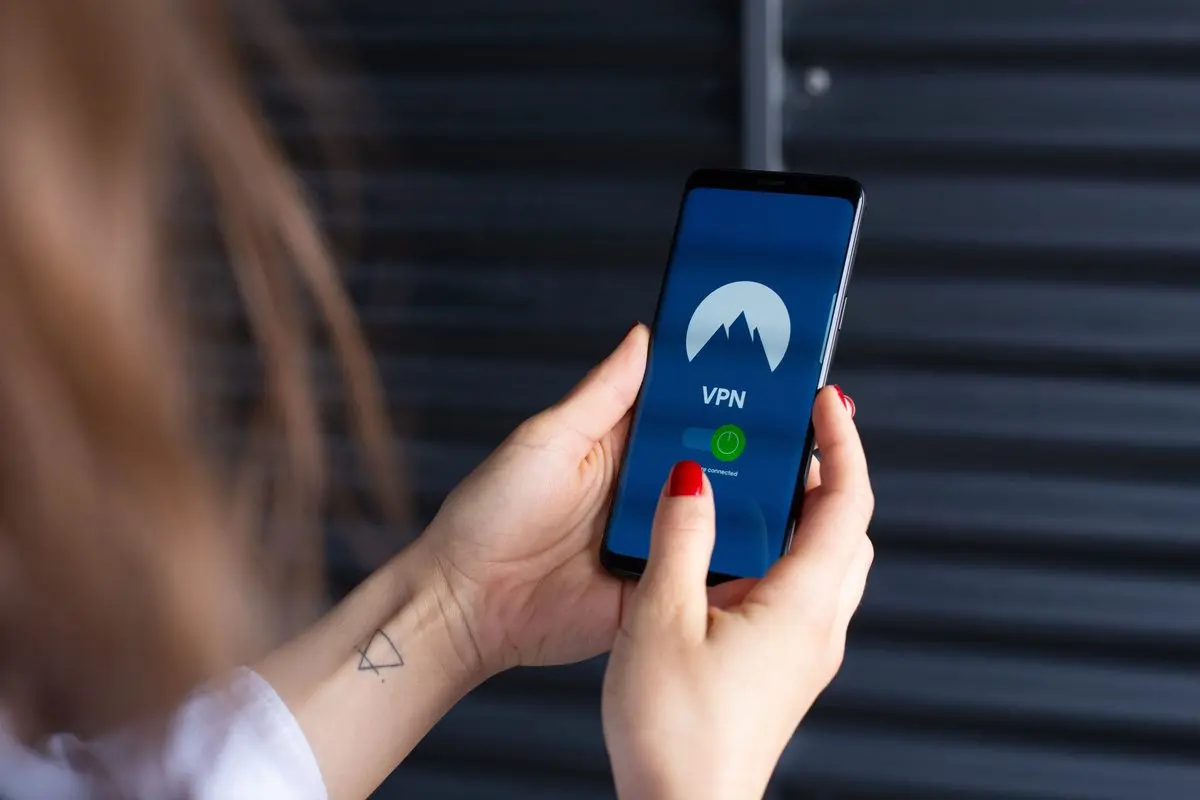
Using a VPN in China violates Chinese law
Unauthorized VPN use is not permitted under China’s Cybersecurity Law and related regulations. In practice, individual tourists who run a VPN for personal browsing are almost never detained or fined over it alone. Two things worth knowing, though:
- Chinese internet authorities can detect and monitor VPN traffic. Your activity is not truly anonymous.
- If you post on any public platform — including overseas ones like X, Instagram, or Facebook — about topics considered politically sensitive under Chinese law (for instance, questioning Taiwan’s status, criticizing national leaders, or challenging the CPC’s governance), authorities may take notice regardless of whether you happen to be using a VPN at the time.
Practical advice, not legal counsel: keep a low profile, skip political posts while you’re in China, and understand that running a VPN puts you in a legal gray area.
1 Why The Great Firewall?
China blocks Google, YouTube, Instagram, Facebook, WhatsApp, Telegram, X (Twitter), Reddit, and most Western news sites. The government monitors internet traffic and restricts content it deems sensitive.
If you rely on Gmail, Google Maps, or Western social media, you need a VPN (Virtual Private Network) to reach them from within China.
Critical: install before you fly. Downloading VPN apps inside China is extremely difficult. App stores block them, and provider websites are often unreachable without a VPN already running. Catch-22.
2 VPN vs eSIM Comparison
| Feature | VPN (a working China VPN) | eSIM (roaming data) |
|---|---|---|
| Setup Difficulty | Medium (download, create account) | Easy (pre-activate before trip) |
| Cost | $10–30 / month | $5–20 for 7–30 days |
| Speed | Good (encrypted, slightly slower) | Excellent (native carrier speeds) |
| Firewall Bypass | Yes (manual activation needed) | Yes (automatic, no config) |
| Reliability | Variable (government blocks regularly) | Very stable (carrier data) |
| Legal Risk | Gray area (widely used though) | No risk (roaming data) |
| Recommendation | Plan B (backup) | Plan A (best option) |
The short version: for a 1–2 week trip, a roaming eSIM covers you faster and cheaper, with zero app management. Staying longer or want flexibility? Layer in a VPN as backup. Having both is the safest bet.
3 Recommended Setup (Dual Strategy)
Primary option (what most people should do)
- Buy a roaming eSIM before you leave
- Activate it when you land in China
- You get instant, unrestricted internet
- Roughly $2–5 for 7 days
Backup plan
- Install a VPN that works in China before departure
- Keep it as an emergency fallback
- Use it if the eSIM drops or you run out of data
- One-time cost around $5–15 / month
4 What to look for in a China VPN
Not every VPN works in China. The government actively blocks VPN protocols, and what works today may not work next month. Rather than naming one service, look for these traits when you choose:
- Obfuscated or stealth protocols. VPNs that mask their traffic (Trojan, V2Ray, or similar) are far harder for the Great Firewall to detect than standard OpenVPN or IPSec — so they stay up during crackdown cycles.
- A track record in China. Check recent traveler reviews from the last few months, not older marketing. Reliability shifts fast, so current reports matter more than a long history.
- Refund or trial window. Because blocking changes, pick a provider that offers a money-back guarantee so you’re not stuck with a dead app.
- Apps for both iOS and Android that you can install and test before you fly — you likely can’t download them once you’re in China.
5 Alternative: Buy an eSIM (Strongly Recommended)
If you would rather not deal with VPN apps at all, buy a roaming eSIM instead. It provides data that routes around the firewall automatically. No VPN needed.
- No extra app to install
- Works on any modern phone (iPhone XR+, most Android phones from the last few years)
- Often cheaper than a VPN subscription
- Bypasses the firewall with zero configuration
eSIM vs Airport WiFi
| Roaming eSIM | Airport WiFi | |
|---|---|---|
| Speed | Native 5G/4G carrier data | ~8 Mbps down, often congested |
| Stability | ~99.9% | ~70%, spotty |
| Price | $2–5/week | Free but slow |
Compatible with iPhone XR+, Pixel 3+, Samsung S20+, and most newer phones.
6 How to Install a VPN
Have a backup plan. VPNs in China don’t work 100% of the time — the government updates blocking technology regularly, and your connection can drop mid-trip.
- Pick a provider that meets the criteria in section 4, and install it before your flight
- Download from the App Store (iOS) or Google Play (Android) before your flight
- Create an account and subscribe
- Install and configure the app on your phone
- Once in China, turn on the VPN before opening Gmail, YouTube, or any blocked app
7 What If My VPN Stops Working?
The Chinese government updates blocking technology on an ongoing basis. If your VPN suddenly stops connecting:
- Try a different server location within the same app
- Update the VPN app (if you can still reach the download source)
- Switch to a different VPN provider if one is installed
- Try WiFi instead of cellular data (some networks are less aggressively filtered)
Practical tips: keep the app updated if possible, have a second provider installed as insurance, don’t advertise that you’re using a VPN, and stick to trusted WiFi networks when you can.
8 The Nuclear Option: Data Roaming (Last Resort)
If both your eSIM and VPN fail (it happens), turn on Data Roaming on your home SIM card. Your carrier will charge roaming fees — typically $10–15 per day — but it will work. Keep this as absolute last resort.
- When to use: only when both eSIM and VPN are down and you urgently need access
- How to enable: Settings → Mobile Data → Roaming → On (exact path varies by phone)
- Cost: roughly $10–15/day depending on your carrier and location
- Speed: usually slow, but functional for messaging and light browsing
Contact your home carrier before you travel to confirm exact roaming rates.